Our verdict
TradingView earns its position as the default charting tool for crypto traders because the free Basic plan already includes real-time data from the exchange itself, something stock traders on the same tier do not get. The wall a crypto trader hits first is alerts, not data: 3 price alerts and 20 technical alerts on Basic pushed us to Essential within our first week of active use. Most readers of this site should start free and upgrade only once they hit that specific wall.
Specs
- Basic plan
- Free: 1 chart, 2 indicators, 3 price alerts
- Essential plan
- $12.95/mo: 20 alerts, more indicators
- Plus plan
- $29.95/mo
- Premium plan
- $59.95/mo: up to 16 charts, 50 indicators
- Ultimate plan
- $199.95/mo: tick data, 1,000 alerts
- Crypto data
- Real-time on all plans, direct from exchange
- Crypto Pairs Screener
- 64,000+ pairs across exchanges
- Annual discount
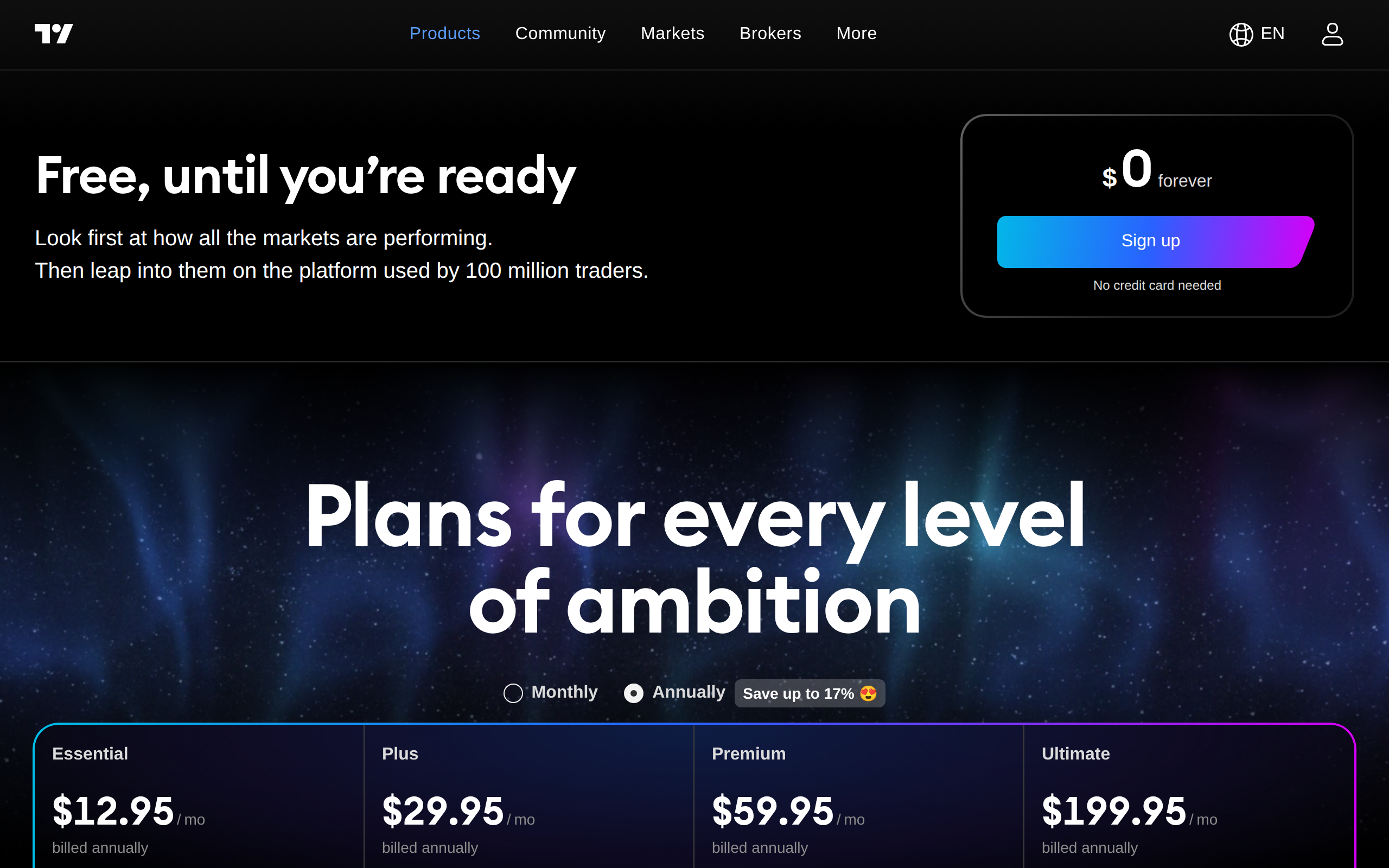
- Up to 17% versus monthly billing
We opened a free TradingView account, watched bitcoin on the default chart for a week, and tried to set up the alert stack we normally run across five coins. That is where the free plan stopped us, not the chart itself, and that gap tells you almost everything about which plan a crypto trader actually needs.
The one thing crypto traders get for free that stock traders do not
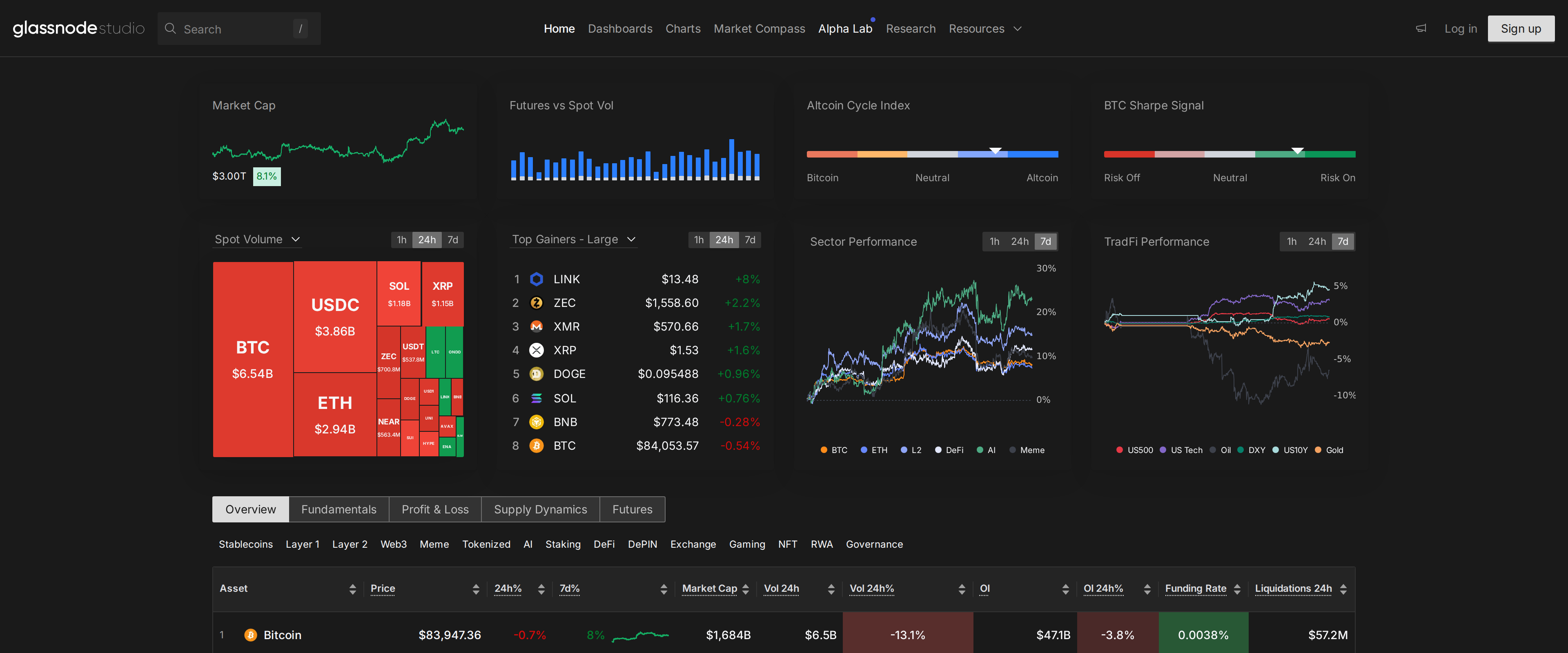
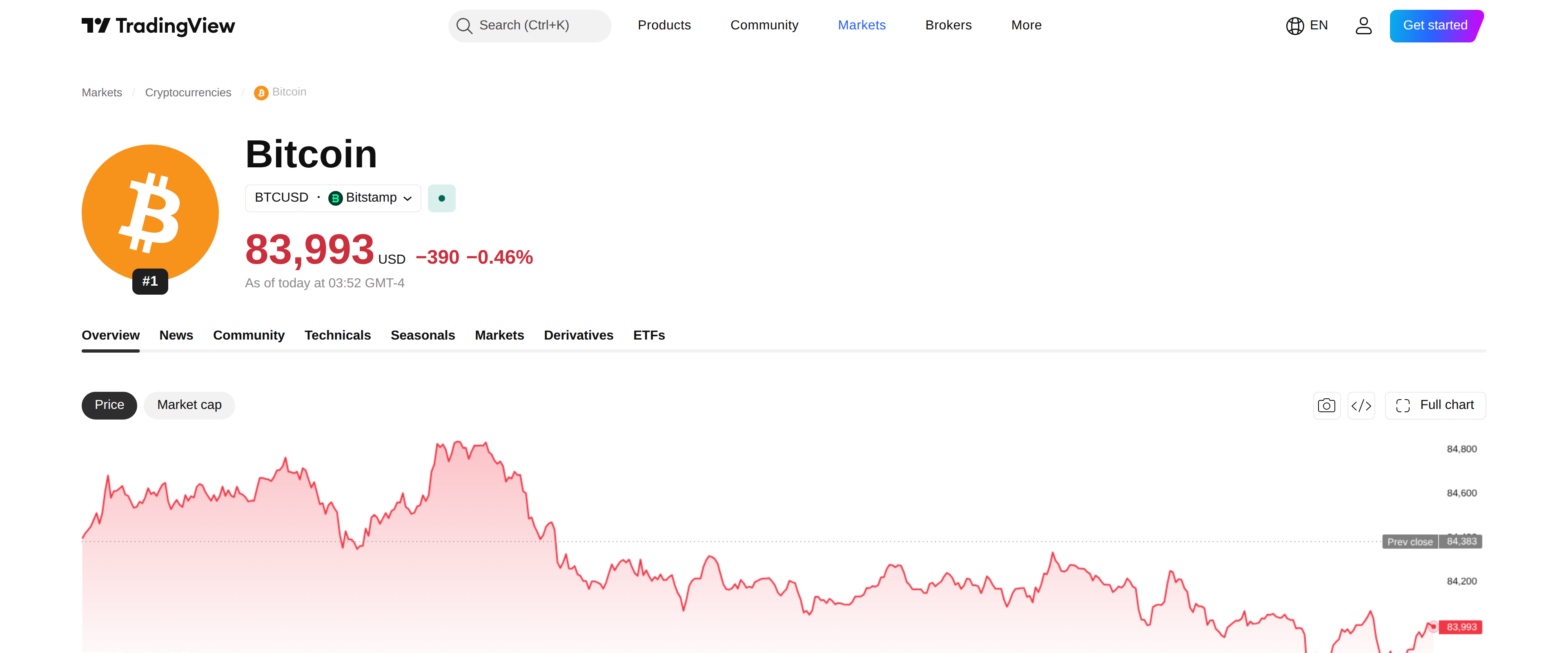
Start with the surprising part. TradingView's real-time data policy treats crypto differently from stocks: cryptocurrency prices come real-time from the exchange on every plan, including Basic, while several stock exchanges charge an extra data fee even to paying subscribers. A trader watching BTCUSD or ETHUSDT never needs to think about a data add-on. What varies by exchange is which venue's price you are looking at, since Bitstamp, Binance and Coinbase can each show a slightly different number at the same moment because crypto has no single central order book.
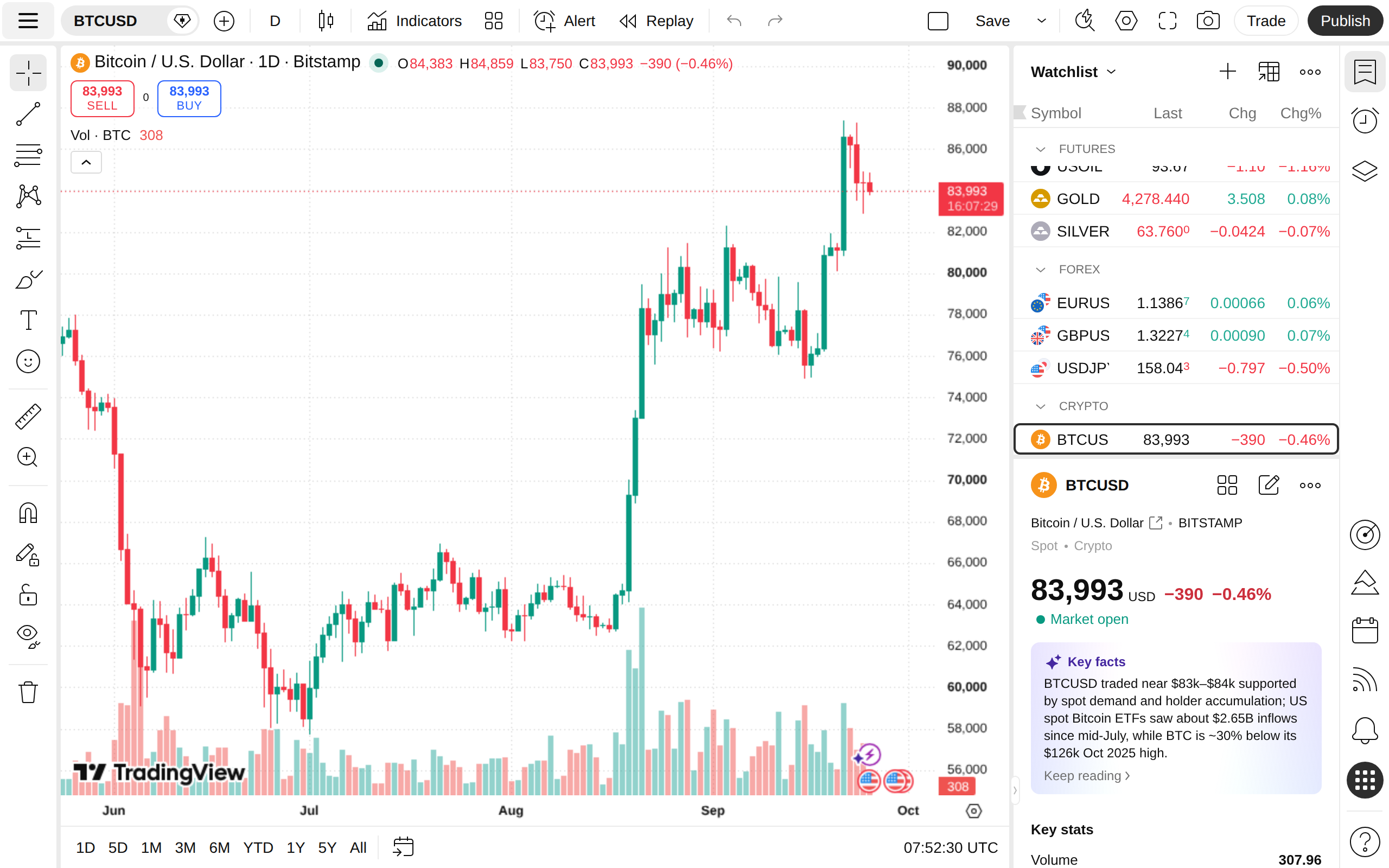
A single free account already showed a live Bitstamp print with no paywall in front of the number, which is the baseline every paid tier builds on rather than a feature Essential or Plus unlock separately.
Where the free plan actually runs out
The wall is alerts and chart real estate, not price data. Basic accounts get one chart per browser tab, two indicators layered on that chart, and a combined cap of 3 active price alerts plus 20 technical alerts. For someone tracking a single coin that is workable. For our test stack of five pairs with a moving-average cross alert on each, we hit the ceiling by the third day.
Essential, at $12.95 a month billed annually, raised our alert ceiling and let us run a second chart in the same tab, which was enough to clear that specific bottleneck. Plus at $29.95 and Premium at $59.95 add more charts per tab, more indicators stacked on each one, and eventually up to 1,000 symbols per watchlist. Ultimate, at $199.95 a month, adds tick-level data and a thousand alerts, a tier built for desks running strategies across dozens of instruments rather than a trader managing a personal portfolio.
The screener earns its own paragraph
TradingView's Crypto Pairs Screener lists more than 64,000 pairs pulled from dozens of exchanges at once, each row carrying its own technical rating built from moving averages and oscillators. We used it to compare the same BTC/USDT pair's rating across Binance, Bydfi and Coinswitch side by side, something that would otherwise mean checking three separate exchange interfaces.
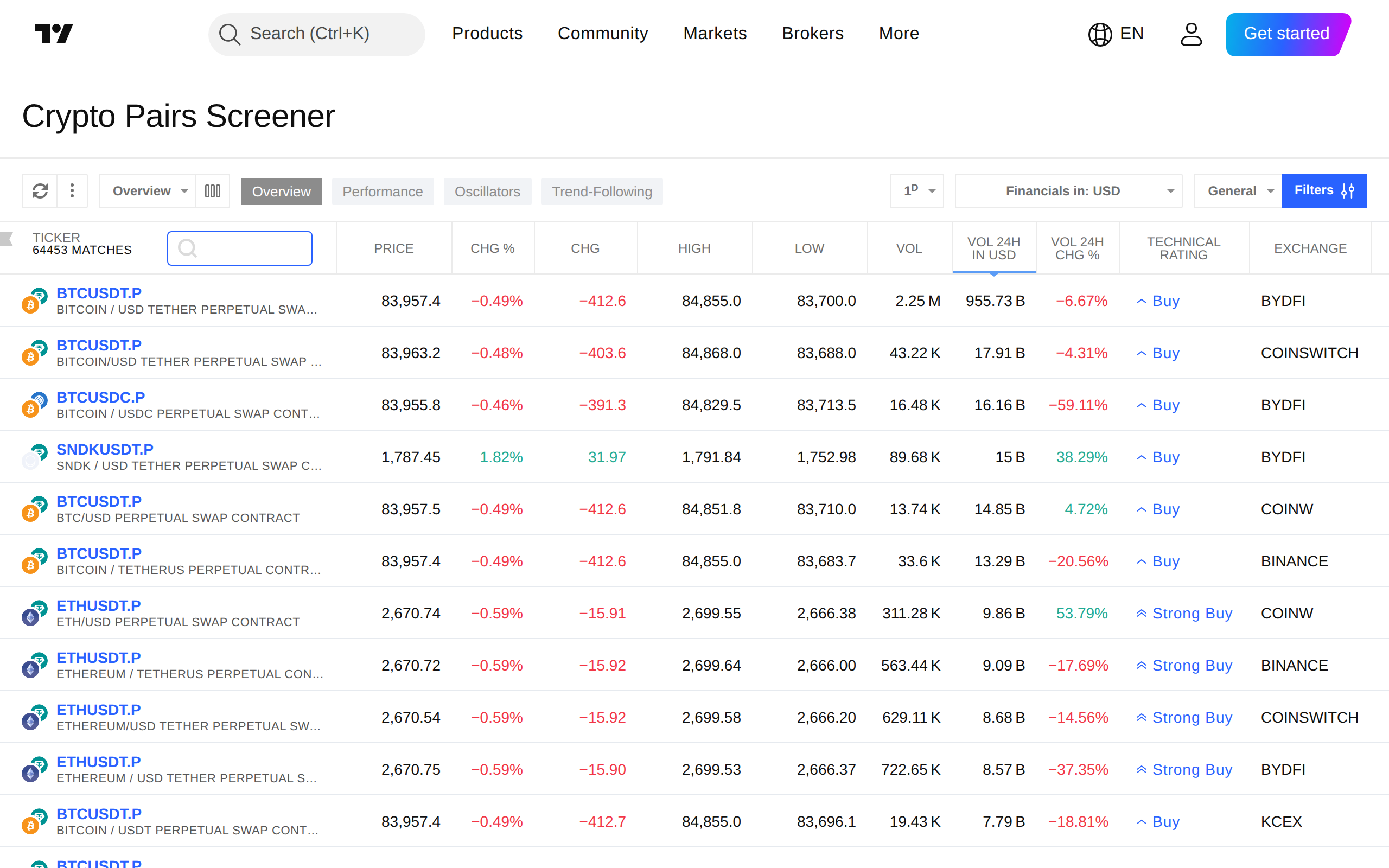
The screener itself sits on every plan, though narrowing it with custom filters and saving multiple screener layouts is a paid-plan habit once a watchlist grows past a handful of names.
What the complaints get right
Independent reviews and user threads raise two recurring points worth naming directly: some traders report indicators occasionally disappearing from a saved layout and needing to be re-added, and several long-time subscribers describe TradingView raising prices over time while shuffling which features sit behind which tier. Neither issue broke anything during our test period, but a trader who builds a complex multi-indicator setup should expect to occasionally rebuild part of it, and should not assume this year's plan boundaries will hold unchanged next year.
None of this is unique to crypto users, but crypto trading's around-the-clock schedule makes the alert ceiling bite harder than it would for someone watching a market that closes every evening. A stock trader can check a chart at the open and the close and miss little in between; a coin can move eight percent while everyone on this team is asleep. That is the real argument for paying the $12.95 rather than the screener or the charting layout, which are polished on every tier we tested.
Our verdict
Start on Basic. The free plan's real-time crypto data removes the one cost that would otherwise justify paying immediately, and most casual traders will not feel the chart or indicator limits before they feel the alert cap. Move to Essential the day alerts become the bottleneck, which for anyone tracking more than two or three coins with live conditions will likely be within the first couple of weeks. Skip Plus and Premium unless multiple simultaneous charts are part of the actual workflow, and leave Ultimate to trading desks that need tick data most individual crypto traders will never touch.
Pros and cons
Pros
- Crypto price data is real-time on every plan, including Basic, unlike stock data which can require a paid add-on
- Essential plan at $12.95/mo raises alerts to 20 active and unlocks a second chart per tab
- Crypto Pairs Screener covers over 64,000 pairs across dozens of exchanges with built-in technical ratings
- Pine Script editor for custom indicators and alerts is available even on the free Basic plan
Cons
- Basic plan caps active price alerts at 3 and technical alerts at 20, thin for a market that trades around the clock
- Only 1 chart per tab and 2 indicators per chart until upgrading past Basic
- Ultimate plan jumps to $199.95/mo for tick-level data most retail crypto traders will not use
- User reports describe rising prices alongside features shifting between tiers over time
Tested and written by The Ordertide Test Desk. Published , updated . This review is not financial advice. How we review.